// case study 03 / 03
Available
Videowall
Composing, publishing and monitoring sources on physical video walls.
It isn't SaaS. It's installed on its users' own infrastructure, for maximum security. It takes many kinds of sources and is extended to fit, from the composition panel to the machines that drive the screens.


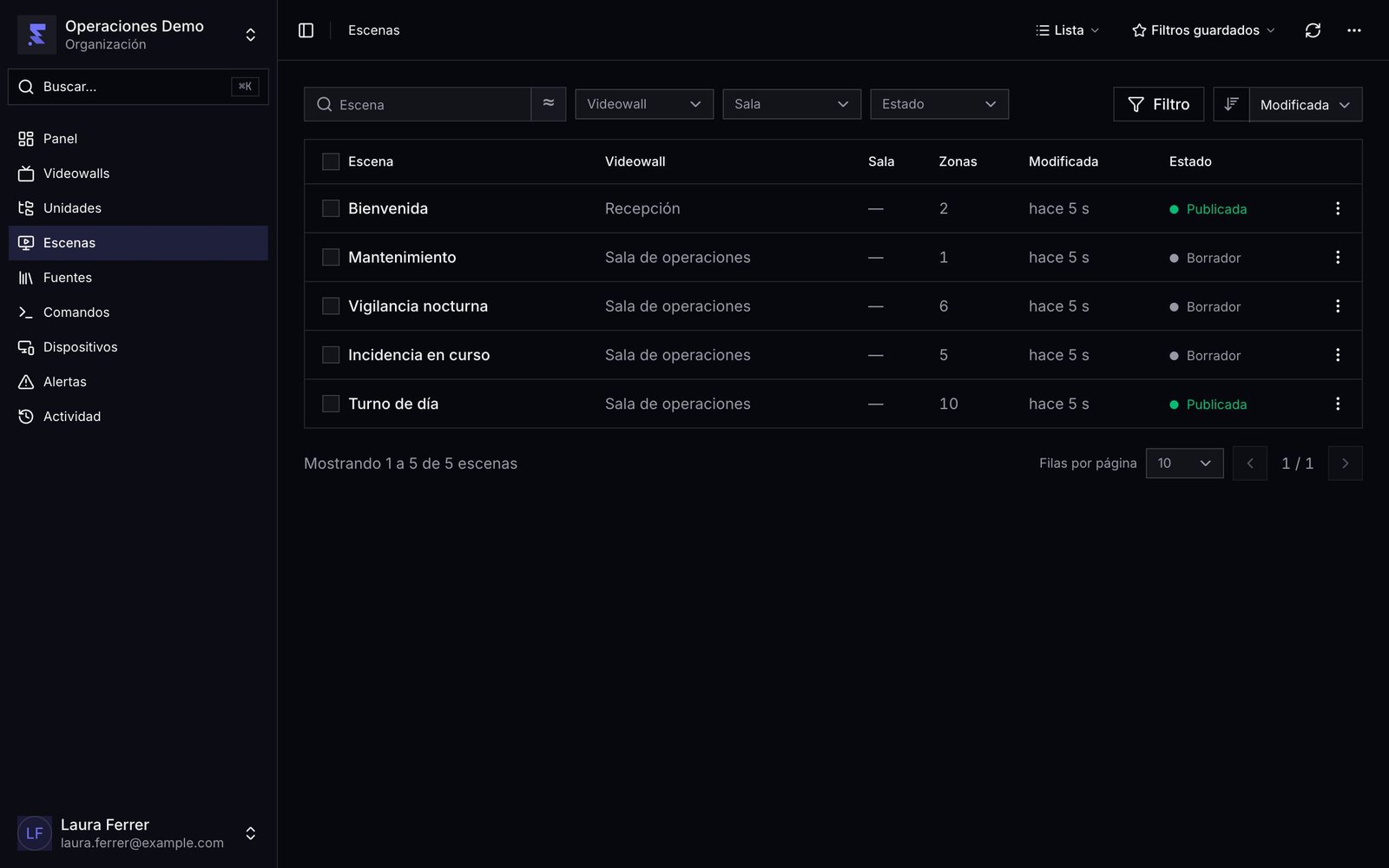
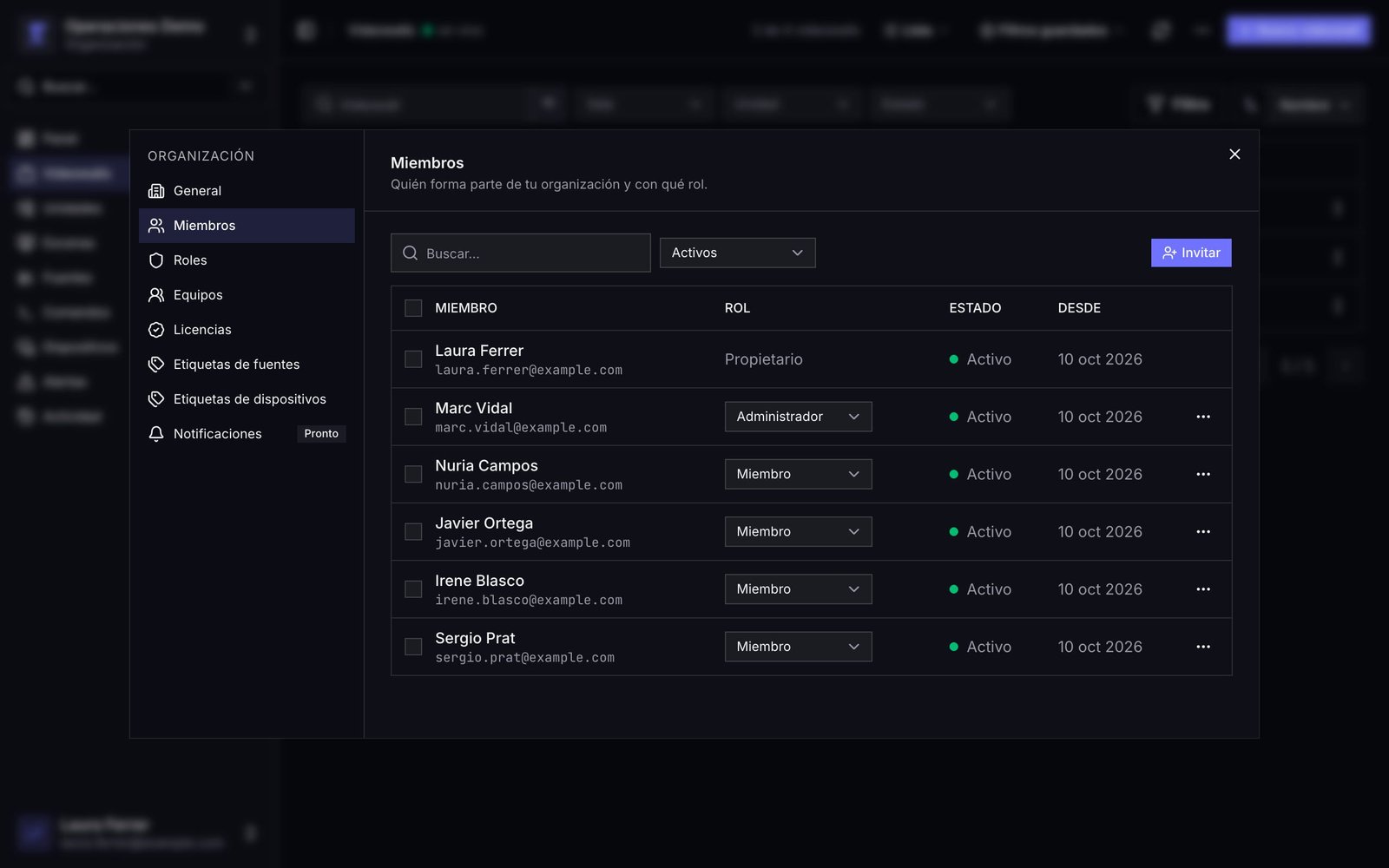
- Status
- Available
- Year
- 2026
- Origin
- Own
- Role
- Full design and development
- Access
- On request
- Platform types
- Video walls and real time
- Stack
- Next.js 16
- Fastify 5
- PostgreSQL
- Drizzle
- Tauri 2
- Rust
- Turborepo
// 01 — vision
Vision
Ch 01 / 05
// what problem it tackles and where it’s going
All your video walls on a single platform, with no proprietary hardware.
Your screens, your machines and your network: any screen with HDMI or DisplayPort works, with ordinary PCs as controllers. Video never leaves your network and, if the internet goes down, the wall keeps showing its last scene.
It isn't SaaS: it's installed on each client's own infrastructure, for maximum security. It's a closed platform: there's no open sign-up, only people with an invitation get in, and each organization has its own signed license.
Every control room runs its own systems. Source types are extended to fit, and I adapt each installation so its applications show up on the wall.
// 02 — how it works
How it works
Ch 02 / 05
// step by step, from the outside
Step 1: Organization and license
I create the organization with a signed license that sets how many video walls it can have and which features it gets. Its admins invite the team, with roles by unit.
OrganizationLicenseTeamFrom setup to teamFig. 02 Step 2: Enroll the wall
Each video wall issues a one-time token for its edge, and the controllers the edge finds on the network enroll with one click. The controller reports its screens, “Identify” paints a number on each one, and you arrange them the way they hang on the wall.
123456The wall's matrixFig. 03 Step 3: Add sources
Each organization has its own source catalog: 23 types, from web pages, PDFs and YouTube to RTSP or SRT cameras, remote desktops and native applications.
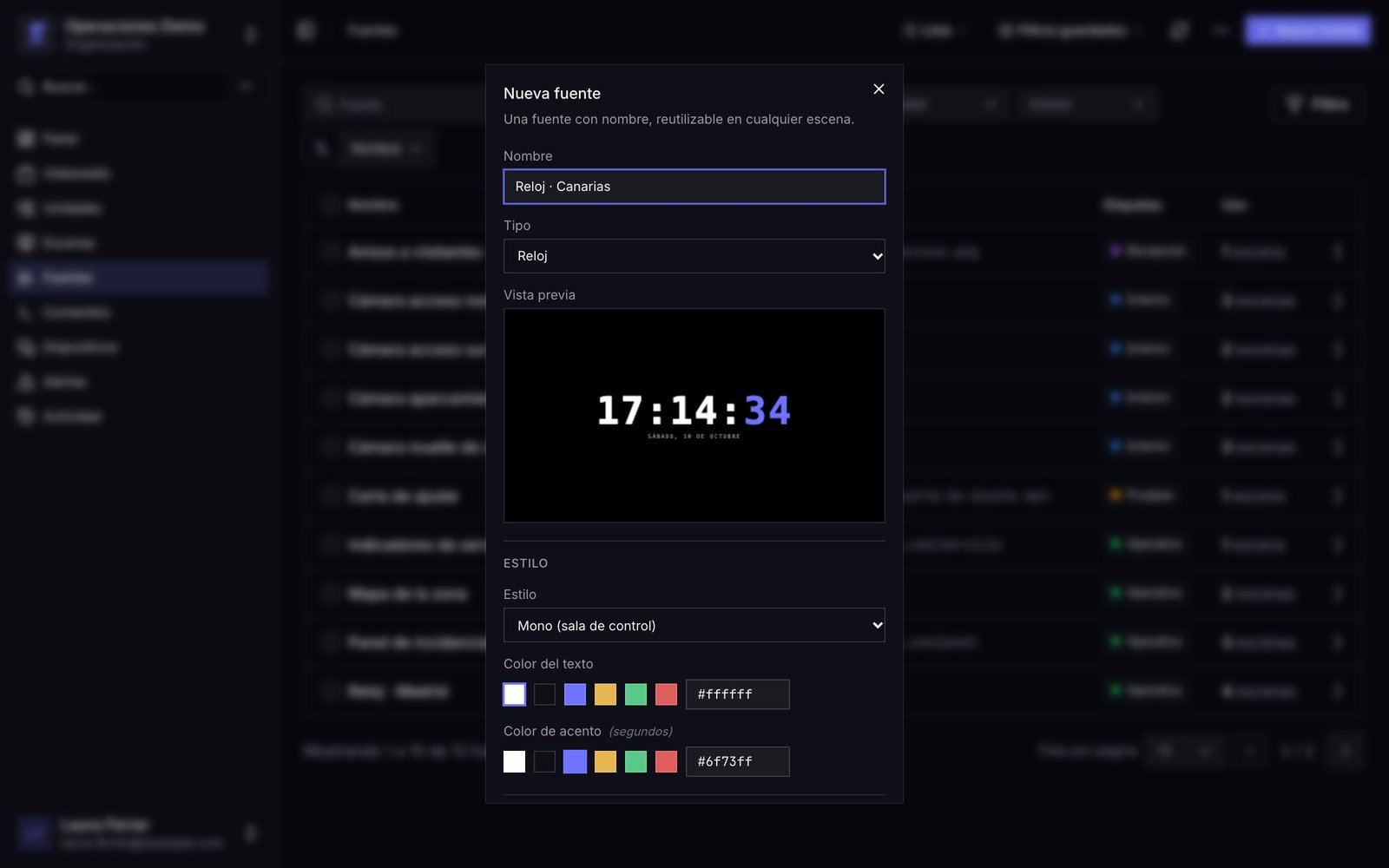
Adding a source · local demoFig. 04 Step 4: Compose the scene
You drag sources onto a canvas shaped like the wall. Zones can overlap, each one on its own layer.

Composing the scene · local demoFig. 05 Step 5: Publish
Each publication is an immutable version that travels from the API to the edge and from the edge to the controller, which acknowledges it. Any earlier version can be made active again.
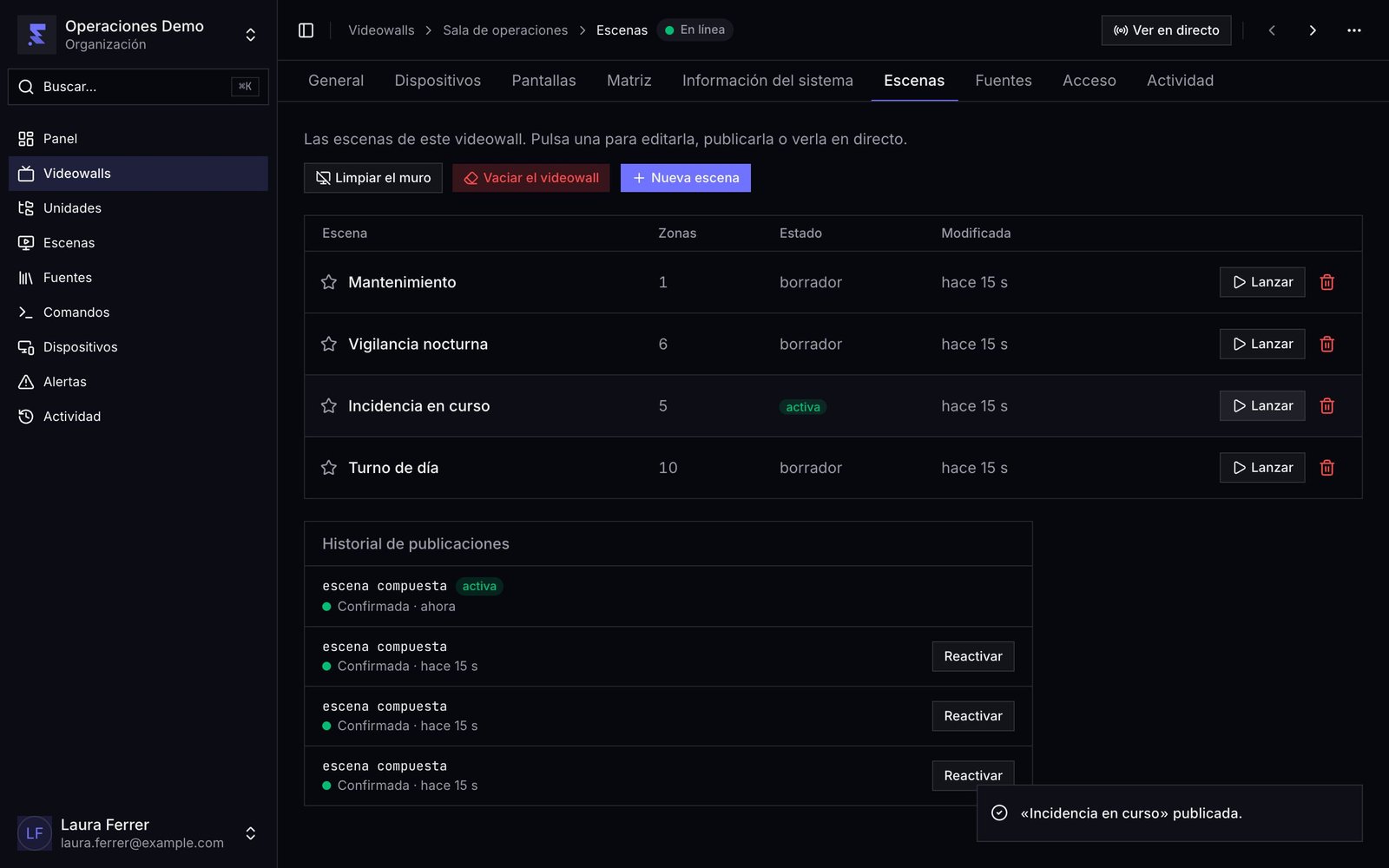
Sending the scene to the wall · local demoFig. 06 Step 6: Monitor
Live status, an on-demand live view, CPU, memory, disk and network for each machine, an audit log, and remote shutdown and wake-up.

The wall changes scene · simulated controllerFig. 07 · Clip · 7 s
// 03 — the machine
The machine
Ch 03 / 05
// stack and architecture
By the numbers
- source types
- 23
- measured
- from publish to controller
- 43ms
- measured
- API tests
- 454
- measured
- commits
- 378
- measured
Stack by layer
- Panel
- Next.js 16
- API
- Fastify 5
- better-auth
- Zod
- Data
- PostgreSQL
- Drizzle
- Installation
- Node 24
- Tauri 2
- Rust
- MediaMTX
- IronRDP
- Monorepo
- pnpm + Turborepo
// 04 — status and what’s next
Status and what’s next
Ch 04 / 05
// where it stands today
Today
Available
2026 · Own
- F0–F3Visual base, controller, local edge, data and authenticationdone
- F4Connecting the panel to each installationdone
- F5 · nowFull domain: units, roles and the source catalog are donenow
- F6Operations: alerts, scheduling, smooth live view, screen sharing and kiosk installersnext
// 05 — access · on request
It runs on your infrastructure: let me show you first.
Write to me and I'll set up a demo or trial access. I'll adapt it to your installation and integrate your applications.